Hubsessed Office Hours - Reporting and Dashboards - Nov 11, 2026
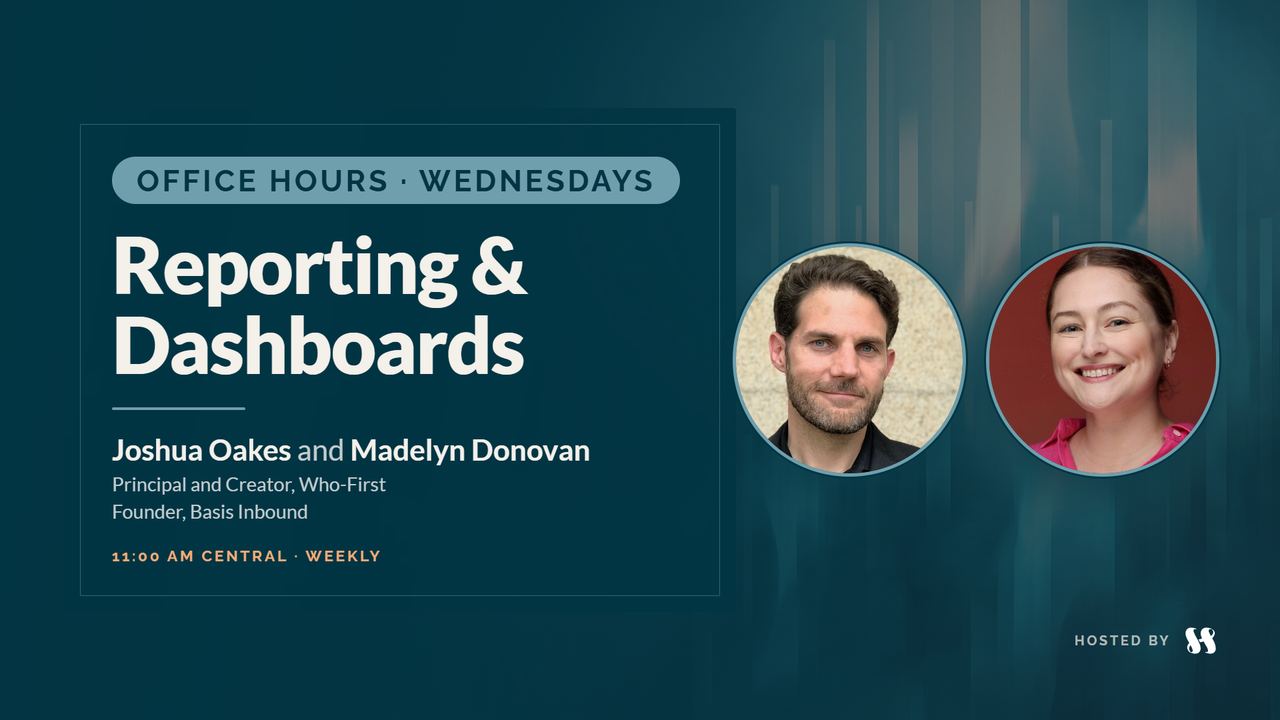
- Joshua OakesHost
- Madelyn DonovanHost
Wednesday, November 11, 2026
Sign in to watch the full replay and read the transcript.
Casey Hawkins brings a client's email, "I don't have… the visibility I need in HubSpot," and Joshua Oakes and Madelyn Donovan work out whether it's the data, the report, where to look or something else, after a long look at email reporting.
Clips from this session
8 short cuts from this conversation.

Key takeaways
"I don't have visibility" can mean the data isn't there, no report shows it, or they don't know where to look; find out which before you build anything.
Check two more: missing context about how the team actually uses the tool, and a mismatch in how people read the data they already have.
Reporting and analysis are different jobs: a report feeds a regular decision, while analysis asks what you can measure now and what your baseline is.
Data has four jobs: regular decisions, prioritizing known options, communicating something, and exploring unknowns. Name the job before you choose the format.
Answer a request with a question that moves it forward, like "how often do you need to look at that data?", and make it clear you're solving it together.
Sometimes the answer isn't a new report: an index view flipped to report view with filters shows what's already there and teaches as it goes.
A newsletter list mixes customers, competitors, press and people who can't buy; size who could reasonably buy before reporting on what the newsletter produces.
Cloning an email template splits its data; smart content and email variants keep one email to report on.
A report Breeze builds may be a static snapshot; check before it goes on a dashboard someone relies on.
Before you trust AI with your data, check fill rates and where the data actually lives, and document the properties that matter as context.
Questions answered
- 00:00Viewer mail, and email performanceTopic
- 01:28Email: the reporting Joshua most dreadsTopic
- 03:07Who is actually on your newsletter listTopic
- 05:06Hitting the newsletter hard to close a fourth-quarter gapTopic
- 06:17So many ways to slice email reportingTopic
- 07:57Deliverability, and spamming the entire listTopic
- 08:40Email variants, the email health tab, and smart contentTopic
- 12:31Don't clone the template: diluting your email dataTopic
- 14:20Reporting on whole-email variants without diluting the dataTopic
- 15:23Permanent A/B tests and rep-by-rep sequencesTopic
- 19:30Casey Hawkins joins, and knowing too much to communicate itTopic
- 22:26Reporting requests, and analysis versus reportingTopic
- 24:55A client says he doesn't have the visibility he needs in HubSpot: is the data not there, is there no report that shows it, or does he not know where to look?Question
- 28:07The secret fourth option: missing contextTopic
- 29:36Another fourth option: a mismatch in how the data is understoodTopic
- 33:27When the answer to a reporting problem is a process problemTopic
- 34:19Not a capital R report: index view, report view and a secret training sessionTopic
- 36:34Recognizing early when it's the data, and why people don't trust itTopic
- 37:28Little scripts for questions bigger than they soundTopic
- 39:03Answering a question with a question: prove it before you promise itTopic
- 41:53Asking how often they need to look at the dataTopic
- 43:23Inviting them in, and jumping in the boatTopic
- 44:54The four jobs you hire your data forTopic
- 48:25Quality over time: a decision or a story to communicateTopic
- 49:57When Breeze builds an amazing report that is staticTopic
- 52:41Fill rates, and where the data actually livesTopic
- 54:02Asking how it's supposed to work, and what prompted the requestTopic
- 55:43Documenting properties and processes as context for BreezeTopic
- 58:49Casey's thanks, and the outroTopic