
Hubsessed Office Hours - Loop Marketing and AEO - Oct 6, 2026
Hosts: Casey Hawkins, Chris Carolan
Tuesday, October 6, 2026
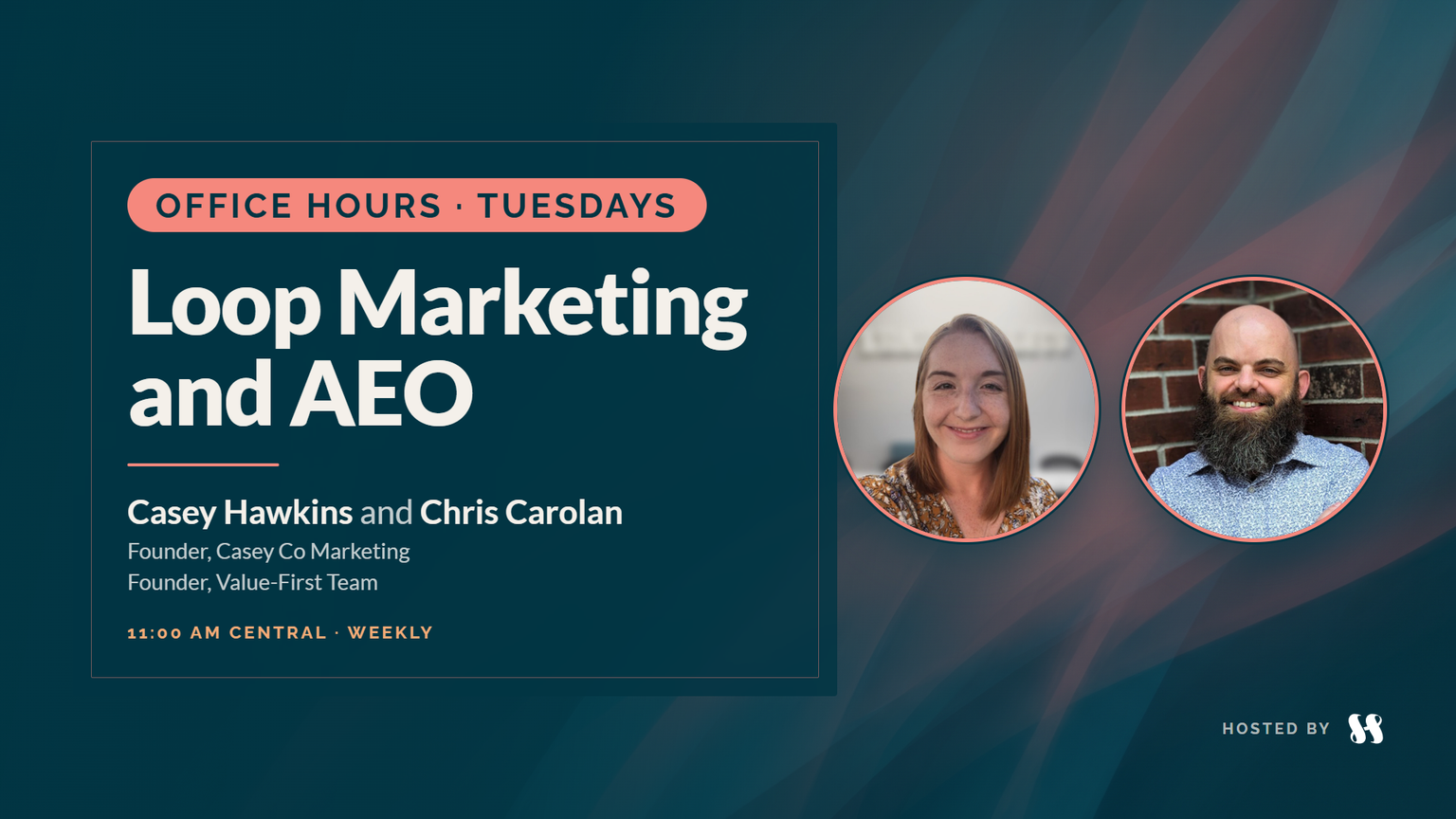
Casey Hawkins and Chris Carolan take marketing questions and keep coming back to Breeze and the HubSpot data model: ask Breeze before you build, rename a native object before you buy a custom one, document your process with Breeze, and treat Breeze as a conversation, not a one-shot.
Clips from this session
10 short cuts from this conversation.
Portrait
9 clipsAsk Breeze before you take it to the HUGDon't one-shot itYou don't need custom objects right out of the gateHubSpot functionality is not in the wayA little more cautious with BreezeTalk the process out, then bring the transcript to BreezeThe biggest AI mistake is not questioning it backRename objects in the words your team usesBreeze for campaign reporting
Landscape
1 clip
Key takeaways
Before you build or buy another tool, ask Breeze. Chris says a Breeze beta gave him a time tracking app tied into HubSpot in about ten minutes.
You don't need custom objects right away. Projects, Services, Listings, Courses and Appointments can be renamed, and each has built-in capabilities, so start with what process the object supports and who owns it.
Breeze in the data model view can recommend changes to your data model. Talking a process out loud and bringing the transcript to Breeze can turn it into recommendations or documentation.
Question AI back. Casey gets her best results by poking holes in the first answer.
Turn documentation into visuals, with versions for sales, operations and finance, instead of big documents nobody reads.
For groups or cohorts, Chris leans toward Courses, or Appointments when the group is calendar-like, and puts the effort into associations and association labels rather than new objects.
Rename an object when the words on screen stop matching how your team talks about it, and expect AI to keep seeing the original name.
Don't one-shot Breeze. Treat it as a conversation, because your portal, your people and your AI are different.
Questions answered
- 00:00Welcome to Loop Marketing and AEO, and work management for marketers
- 03:23Ask Breeze first: a time tracking app from a Breeze beta
- 05:54Where the app was built, and apps your outside AI can work on
- 08:57How do I choose between renaming Projects and buying custom objects?
- 11:37It depends: how far Breeze can take you, and starting from custom reports
- 13:44Breeze in the data model view: simplify before adding objects
- 18:38Common language, object profiles, and questioning AI back
- 21:36Visuals for sales, operations and finance instead of big documents
- 23:59The campaign canvas in Marketing Studio
- 25:12How do I set up groups with participants and leaders: a custom object or renamed Projects?
- 29:16Data and context, and renaming Contacts to match how your team talks
- 33:19What are your favorite Breeze use cases with clients, especially in Marketing Hub?
- 35:03Don't one-shot it: a conversation with Breeze
- 36:55Wrap-up, and where to send questions
Resources
Transcript
This transcript was generated by AI and may contain errors. It is provided to help you skim and search the conversation.
Related episodes
Related HubSpot updates
- A Reimagined Marketing StudioAnother Orange Morning · Marketing Hub
- New Data Model Overview TabAnother Orange Morning · Smart CRM
- Projects in Breeze Assistant on MobileAnother Orange Morning · Breeze AI
- Describe it. Breeze Assistant builds it in Agent Builder.Another Orange Morning · Breeze AI
- Courses in Global SearchAnother Orange Morning
- Centralized Data Model ManagementAnother Orange Morning