

Hey, it's Casey! I'm in a thankful mood this week, anyone else? 🧡
When I started using HubSpot in 2017, I didn't see the point of CRM views. Why would I use a view when I could just use a segment? Segments worked better.
That's not true anymore. Views have gotten so much better that now I reach for one before a segment most of the time. They're one of the first things I show anyone getting used to HubSpot or having trouble finding their way around it, whether they work in sales, service, marketing, customer success, or even finance. It's one of my favorite ways to help people get more out of HubSpot than they expected.
So I teach a lot of people to customize their own views. And almost every time, I get to the same point: "Okay, now click save. Don't forget to click save. Did you click save yet?"
The save button sits off to the side, and it's easy to click away and assume your changes stuck. It's not uncommon at all for someone to come back and say, "Hey Casey, I made all these changes, but they didn't save. What happened?" The answer is almost always that they didn't click save, and they don't even remember not clicking it.
This fall, views started saving on their own. It's in public beta, and I was more excited than a sensible person should be about a list view.
Since your changes stick now, clone a view when you only want a one-time look, and delete the clone when you're done. And while you're in there, give your shared views an owner. Views now have owner, collaborator, and admin roles, which matters the day you try to retire a property and find it stuck in a view owned by someone who left the company.
Here's the moment I got that excited on Another Orange Morning:
That's the kind of thing I'm thankful for this year. It's Thanksgiving in the US, and wherever you are, the end of the year is a good time to look back at what helped. I went through all of this year's updates and Office Hours and picked six more: three updates that took a chore off my plate, and three pieces of advice from people who share what they know with all of us. Each comes with something you can actually try this week.

Two Updates to Try and One to Watch
These are the updates from this year I'd show a friend first.
Your CRM, Inside the AI Tools You Already Use
Last week I quoted HubSpot's homepage calling itself "The Customer Relationship Harness." On November 18, Dharmesh Shah posted that HubSpot was retracting it, because most people were confused, irritated, or both.
The label's gone, but the work behind it has been shipping all year. Breeze Assistant can now reach tools like Slack, Google Workspace, Asana, and Notion. Going the other way, HubSpot connects to Claude, ChatGPT, Gemini, and Copilot, so your CRM shows up in the assistant your team already has open.
Call follow-ups are the easiest place to start. If your calls already record in HubSpot (and they should), ask Claude about the deal and draft the follow-up there.
One catch I've hit: I have Claude creating my Asana tasks now. When I copied tasks over by hand, I reread them on the way in. That step is gone, and teammates have asked what I meant by a task I don't remember writing. So whatever the connector drafts, read it before it goes to anyone else.
Here's that story from the show:
Let Agent Hub Draft Your Next Workflow
Agent Hub puts every agent in one place and lets you build new ones by describing what you want in plain language. It's on Starter, Professional, and Enterprise.
You probably already have the tools. You just have to ask. When Agent Hub launched, I asked it to route new leads 60 percent to one person and 40 percent to another, which the native Lead object couldn't do at the time. It drafted a working agent, custom code and all.
Next time you need to build a workflow, try Agent Hub first. Assignment and routing rules are a great place to start, because they get complicated fast. And plan with it before you ask it to build. More on that below.
Here's the Agent Hub launch on the show, routing build included:
Ask Breeze for the Report You Could Never Build
Breeze can build a report on any data in your account, shown any way you want, and save it to a dashboard that keeps refreshing. Read that again.
It's still in private beta, but it's the update I'm watching most closely. On Another Orange Morning, Chris Carolan said, "It's the first thing leaders do once they trust the HubSpot data, even before they trust the HubSpot data, I want to see this report." The catch, which Trisha Merriam raised on the show, is that Breeze won't know which of your properties are the good ones unless you tell it.
Request the beta for your portal. While you wait, write down which properties you trust for reporting, and pick the one report you've never been able to build.
Here's Chris on it from Another Orange Morning:
Three AI Habits From Office Hours
Some of the best people in HubSpot spent this fall answering questions live in Office Hours, free for every subscriber. These are the three conversations I keep coming back to.
Plan With Breeze Before It Builds
On a client call recently, one person was a Breeze optimist and the other was a skeptic. The skeptic's pattern is a common one: ask Breeze for something, it gets it wrong, "See, this is what I mean," and you go do it yourself.
Planning first works better. Don't hand Breeze the exact build. Tell it what you're trying to do.
Instead of: "Build a workflow with these if/then branches."
Try: "I'm trying to build a workflow that splits people into two branches, based on whether they recently viewed the pricing page or the demo page, and sends each group a different message."
If you've done this work by hand for years, you already know the filter you'd use, so it's tempting to spell it out. But the more restrictions you give Breeze up front, the more of a box you put it in.
Here's the clip from Office Hours:
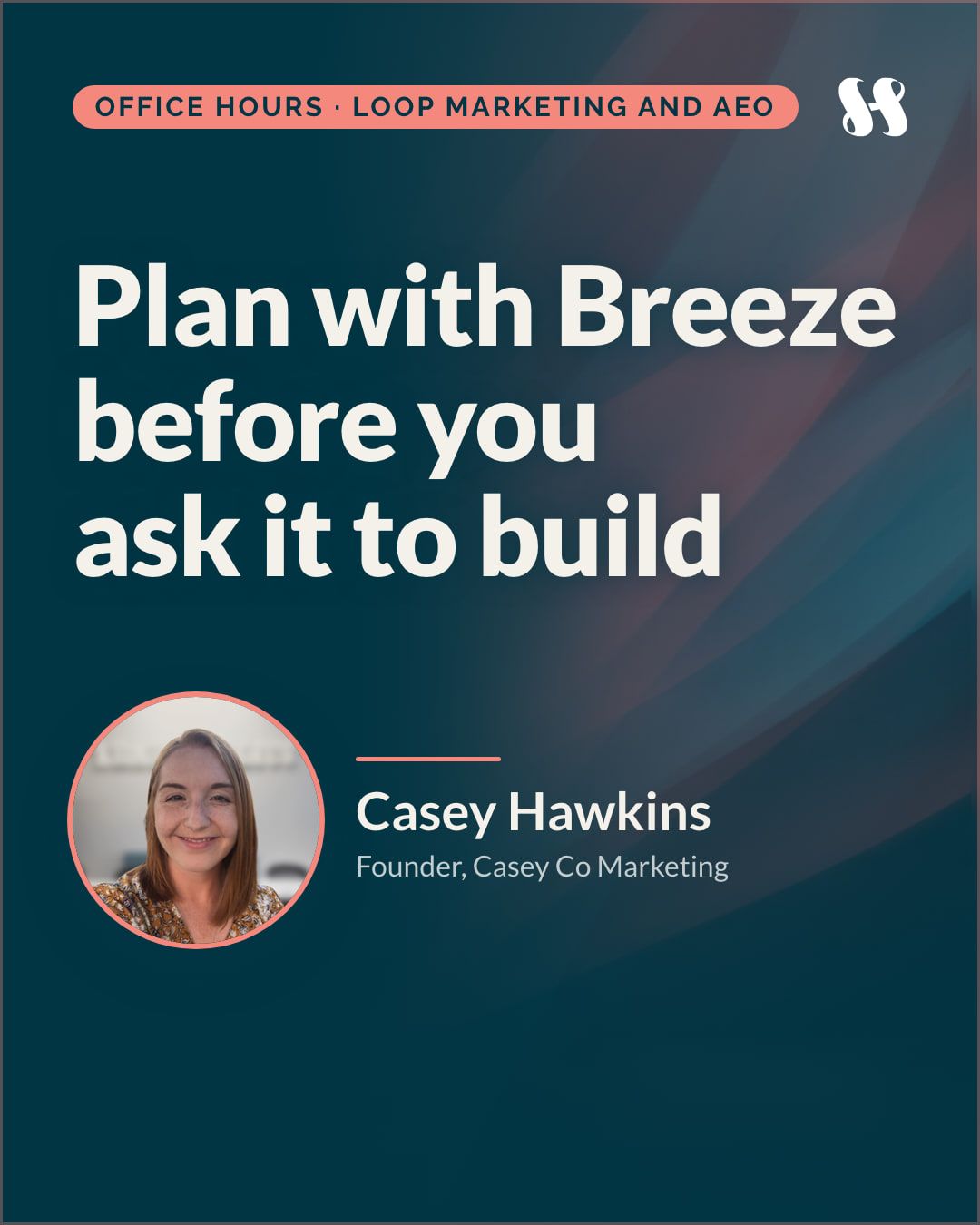
So next time, describe the goal before the filters. And if Breeze misses and you fix it yourself, tell it what worked and what didn't. When I did that last week, it saved the fix to its memories.
Check the Number Before You Trust It
This is the other half of the same conversation. Planning is the talk you have before Breeze builds. Checking is the talk you have after it answers.
Ask an AI how old the deals in your pipeline are, and it can come back with "four years." Joshua Oakes explains why: it was looking at the entire portal history, so deals won years ago pulled the number up. He has watched people across several clients jump to conclusions off a report Claude or Breeze built.
His fix is to check the data under the number and to define what "aging" means. His definition: a deal that's been sitting in a stage longer than deals that go on to close usually do.
Here's Joshua on the four-year answer:

So ask your AI how old your open deals are, then check whether closed deals are in the number. If they are, add your definition of an aging deal to the context Breeze reads.
Don't Turn AI Off Just Because Someone's Nervous
When a client, your boss, or your own team is worried about data and AI, the easy move is to switch the AI features off. Trisha Merriam's advice on AI-Native: "You don't want to turn that stuff off either if you can avoid it, because then you have nothing."
Instead, she tells clients what data is shared with third parties, gives them the option to say no, and sets a policy with each client. The same works if it's your boss or your team who's nervous.
Here's Trisha on how she handles it:
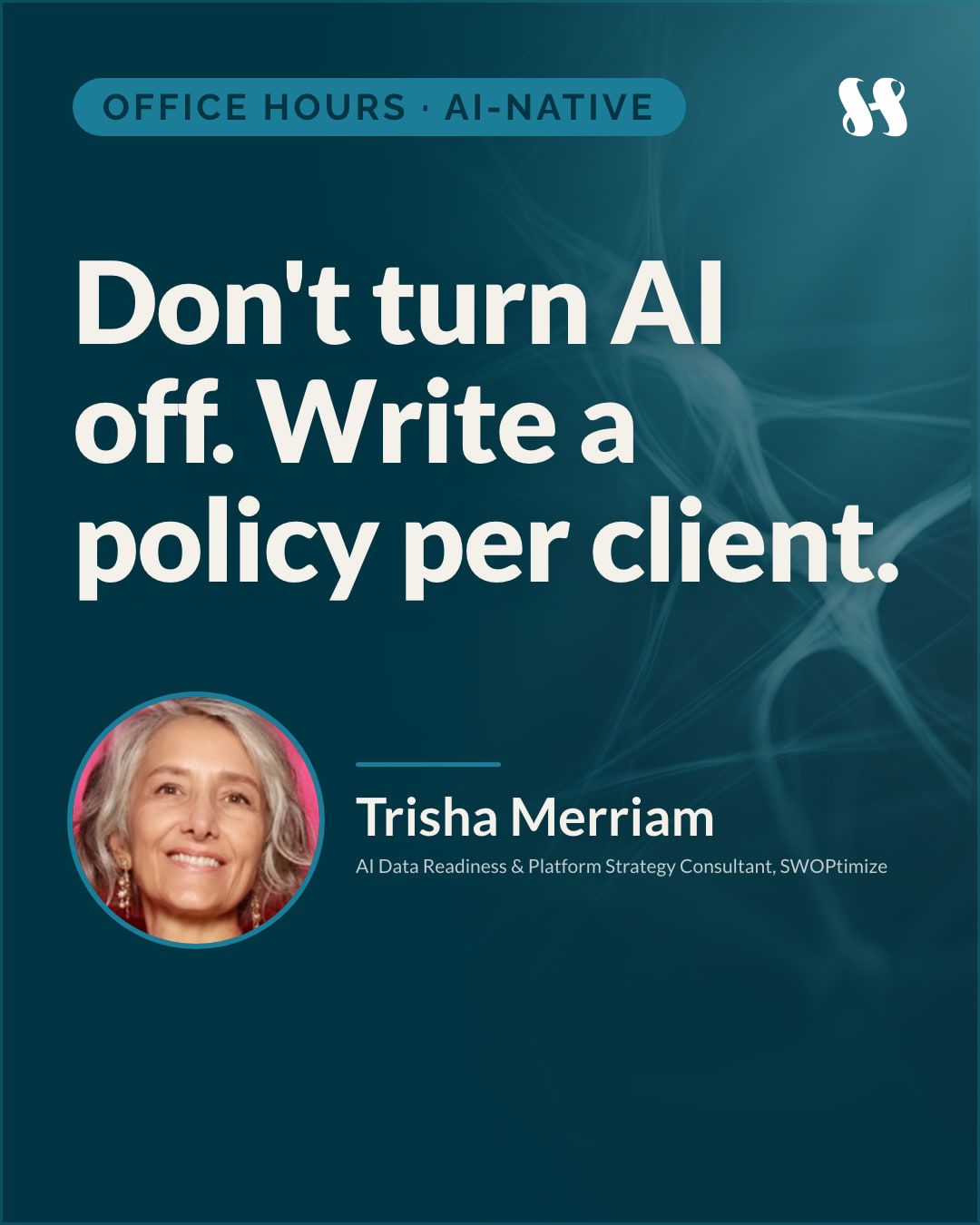
So before you turn anything off, list what data it shares and with whom. Then agree on a policy together.
More Updates to Be Thankful For: #Hubsgiving26
Joshua Oakes, who co-hosts our Wednesday Reporting and Dashboards Office Hours, is running #Hubsgiving26 on LinkedIn: one HubSpot update from this year per post, mostly ones that are fully live, not in beta. He's already a few in, starting with using records created in a workflow later in the same workflow, one that almost made my list.
If you liked the updates above, he's covering the ones I didn't. Follow along here.
Want help trying any of this in your own portal? Bring it to Office Hours. We're on a short schedule for the US holiday this week and back to the full lineup next week.
Enjoy your week! I’m so so thankful you are sticking with me. 🧡
- Casey
Updates from last week worth your attention
Introducing voice in Breeze Assistant | All hubs and tiers | Public beta
Breeze Assistant now has two-way voice on desktop, where it was already on mobile. It pulls CRM context, answers out loud, asks clarifying questions, and confirms changes.
Our take: I was a little bit resistant to voice AI for a while. I was like, my fingers work, I'm good. What I do now is talk to Claude, because I say my piece and it puts it into a structure that makes sense. Breeze talking back is the part I'm curious about.
What to do: HubSpot expected it to arrive November 22, so check your portal. If you already talk to Claude or ChatGPT, try it for meeting prep or follow-up tasks.
Use Breeze Assistant for lead scoring | Professional and Enterprise | Public beta
Breeze Assistant can now create, edit, and analyze lead scores, starting from your ideal customer profile and past conversion data. Scores it creates count toward your tier limits.
Our take: What I would do here is ask what data was used to get to that. What were the filters? Who were the examples? Your customers often include billing contacts and people who aren't your target.
What to do: Point it at the people who had good sales conversations, and treat the first draft as a guess until Breeze shows its evidence.
The file manager finally got its tree | All hubs and tiers | Public beta
The file manager now shows your files and folders as a tree you can expand and collapse, and you can drag files between folders.
Our take: This was my nerdy moment of the day. Digging three or four folders deep for one file, then clicking back out again, has always been frustrating. Now you can see the whole structure and click straight to where you want to go. It's also a sign HubSpot is building toward real asset management, and organized files are easier for AI workflows to find.
What to do: Open the file manager and look for the clutter, like three versions of your logo or old email footers buried in deep folders. Clean it into a structure you'd want an AI assistant to search.
Also on the feed: Last week brought 26 updates in all, and every one we've covered this year is on Another Orange Morning.
Coming in December: The attribution you already have
So You Want Out-of-the-Box Attribution in HubSpot runs December 16 to 18, with Madelyn Donovan, Joshua Oakes, and me. It's three live sessions in HubSpot, one hour a day at 1 PM Eastern, with Q&A after. We'll cover what attribution your tier actually gives you, how to spot red flags in your source data, and whether upgrading or adding another tool is worth it.
It's included in Hubsessed Academy, and every session is recorded.
This week's Office Hours, noon Eastern (11 AM Central)
Thursday and Friday are off for Thanksgiving.
Join us at Office Hours. Bring the thing you're stuck on.
Office Hours are free through the end of the year. All you need is a free Hubsessed subscription.
Send questions between sessions to community@hubsessed.io
New: Sign in at hubsessed.io/sign-in and your member page is waiting: Office Hours replays and transcripts, this newsletter, and your Academy courses if you're a member.